
- Individuals & Families
- Businesses
- Agents & Brokers
- Embedded Insurance

Protect your ring with Chubb Valuable Articles insurance and get the peace of mind and financial security you need.

Because pets are family, Chubb now offers pet insurance with top-rated coverage from Healthy Paws.

Chubb offers the insurance protection you need for travel’s many “what ifs”.

Chubb protects small businesses at every stage – from newly formed start-ups to long-time anchors of the community.

Stay ahead of cyber threats with our free Cyber Claims Landscape Report.

Learn more about our dedicated learning paths, Online Learning Center, and more.



Many digital-savvy consumers look for it as a core or add-on option.
Many digital-savvy consumers look for it as a core or add-on option.
Many digital-savvy consumers look for it as a core or add-on option.

Chubb’s in-house technology makes it easy to integrate what we do into your customer experience.

Where was the last public place you visited that had Wi-Fi? These days, nearly every coffee shop, library, airport and hotel offer a way to access the internet from your cell phone or other mobile device. That means the information you have on your phone could be available to hackers in the area – unless you’ve taken steps to protect your data. Here are a few recommendations from the University of Michigan:
1. Don’t access personal or financial data with public Wi-Fi.
This may seem like a no-brainer, but you’d be surprised how many people check their bank accounts or make purchases with a credit card while using public Wi-Fi. It’s best to do those things on a secure connection.

2. Turn off anything you don’t need.
Hackers can use certain features on your phone to get at your information, location or connection. So, instead of keeping your GPS, wireless connection and geo-tracking on all the time, just turn them on when you need them.
3. Choose your apps wisely.
Only download apps from trustworthy sources that have established a good reputation. Make sure you update your software and apps regularly and get rid of old apps you don’t use.
4. Use a password, lock code or encryption.
Make sure your passwords are at least eight characters long, with a mix of upper and lower case, and include numbers or other characters, and never use the auto-complete feature for passwords. You can use the storage encryption feature on your phone to protect your private data, and set your screen to timeout after five minutes or less.

5. Be skeptical about links and attachments.
If you’re not sure about the source, don’t use the link or open the attachment.
6. Trace or erase.
Make sure your data is secure if your mobile device is stolen or lost. You can set up your device to lock itself after a pre-set number of failed log-in attempts.
Insights and expertise

6 ways to protect your personal information online

How to avoid getting “hooked” by a phishing scam

How to know if you’re a victim of identity theft
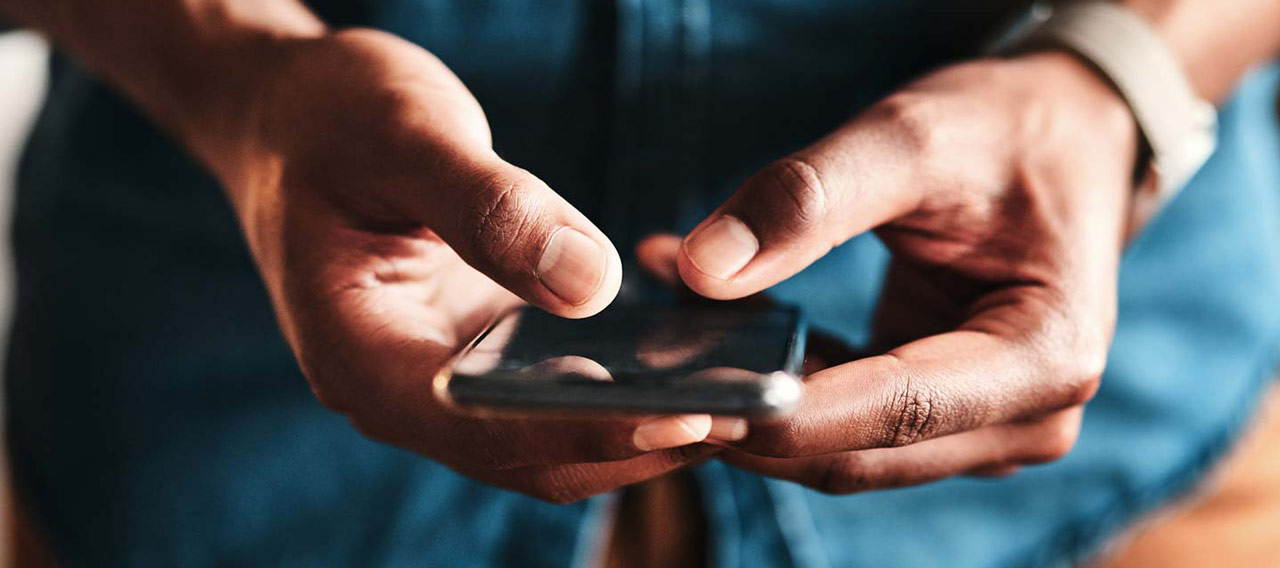
Smishing: A cyber security threat
This document is advisory in nature and is offered as a resource to be used together with your professional insurance advisors in maintaining a loss prevention program. It is an overview only, and is not intended as a substitute for consultation with your insurance broker, or for legal, engineering or other professional advice.
Chubb is the marketing name used to refer to subsidiaries of Chubb Limited providing insurance and related services. For a list of these subsidiaries, please visit our website at www.chubb.com. Insurance provided by ACE American Insurance Company and its U.S. based Chubb underwriting company affiliates. All products may not be available in all states. This communication contains product summaries only. Coverage is subject to the language of the policies as actually issued. Surplus lines insurance sold only through licensed surplus lines producers. Chubb, 202 Hall's Mill Road, Whitehouse Station, NJ 08889-1600.