- Businesses
- Individuals & Families
- Partnerships
- Brokers

Chubb Climate+ spans major industries, with a goal of enabling climate change progress in a meaningful way.

MasterPackage insurance gives broad cover with a wide range of extensions to meet your business needs.

All Chubb policyholders are eligible for cyber services. Get the most value from your Chubb policy and schedule a consultation today.

In a complex world, Chubb’s support for multinationals and their brokers when choosing the right cover has never been more valuable.

Get big expertise, no matter your size and direction.
Protecting all that makes your house, your home.

As one of the world's largest providers of jewellery and fine art insurance, you can count on our unparalleled service and expertise, offering some of the broadest protection available.
As pioneers of using in-house appraisers to help clients establish the value of their property, and mitigate the risk of loss, our appraisal service is a key reason why owners of fine homes and high value possessions around the world choose Chubb

Private aircraft ownership represents a significant investment and unique risk profile, especially for Ultra High Net Worth individuals.

With a vessel as valuable as a luxury yacht, you need to make sure it’s well protected.

Build your business by providing the protection your customers need – it’s insurance for the new possible.

The seamless, secure, and scalable engine behind new possibilities for your company and customers.

Travel insurance made easy.
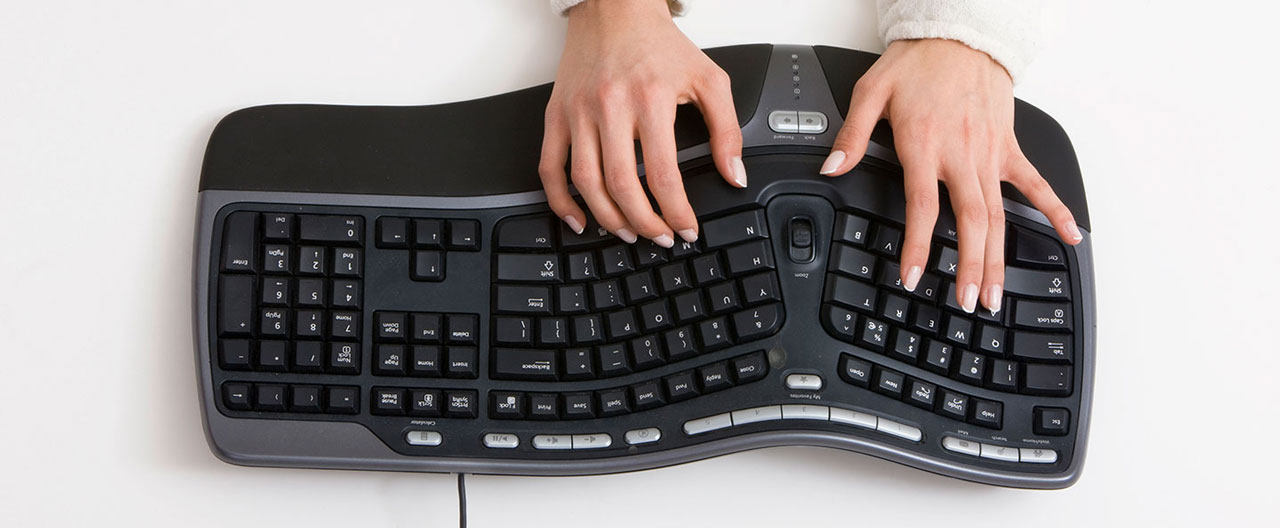
Whether you work from home full-time or just occasionally, a welcoming, well-lit, ergonomic home office can help keep you healthy, happy, and productive. On the other hand, a poorly equipped and designed workspace can lead to accidents and injuries.
Whether you’re updating your existing work spaces or creating a home office from scratch, these tips can help you create a safe, healthy environment when you need to work remotely.
How to create an ergonomic workspace
The first step to establishing an ergonomic home office is setting up the right furniture and equipment in the right way. Start by following these guidelines:
- Furniture. Your home office should be anchored by a comfortable, adjustable office chair that supports the curve of your back and enables your feet to rest flat and firmly on the floor. Your desk should be set at a height that enables you to work without straining or hunching over to use your computer. You may also want to consider investing in an adjustable height desk that enables you to switch easily between sitting and standing.
- Technology. Depending on how much you work at your computer, using an ergonomic keyboard and mouse can reduce strain on your hands and wrists. As important, your keyboard and mouse should be placed so that when you work your arms hang loosely from the shoulder and bend 90 degrees at the elbow. To prevent neck and eye strain, position your monitor at arm’s length, with the top of your monitor at eye-level.
- Lighting. Your home office should have general and task lighting that fully illuminates the space without glare, shadows, or excessive brightness. You’ll also want to minimize glare by placing your monitor perpendicular to windows and using blinds as needed.

Working safely from home
Healthy work practices are also key to maintaining your wellbeing while working from home. Follow the tips below to help prevent health problems, such as strain and repetitive motion injuries.
- Maintain good posture. If you sit hunched over or strain your arms or wrists to reach your mouse and keyboard, you can sustain injuries. Sit with your back straight, your shoulders square, and your feet flat on the floor. Your arms should hang straight down from your shoulders and bend at a 90-degree angle at the elbow to reach your keyboard.
- Sit and stand. Sitting all day long can contribute to serious health issues such as heart disease, diabetes, and high blood pressure. On the other hand, standing all day can cause muscle fatigue, back pain, joint damage, and other ailments. Try to vary your working position between sitting and standing throughout the day. Even if you don’t have an adjustable sit-stand desk, consider standing during phone calls or when you read.
- Move and stretch. Movement and stretching can refresh muscles and nerves, and prevent repetitive motion injuries. Try to move at least once each hour—and consider breaking up your day with a walk or exercise.
- Follow the 20-20-20 rule. Working at a computer all day long can cause eye strain. You can help keep your eyes comfortable by following the 20-20-20 rule: Every 20 minutes, turn away from your computer monitor and look at something 20 feet away for 20 seconds.
Preventing accidents and injuries
A well-designed ergonomic home office, combined with good working habits, can help you prevent musculoskeletal disorders (MSD), such as tendonitis and carpal tunnel syndrome. But keep in mind that office workers and visitors can also sustain injuries from accidents and their environment.
- Slip, trip, and fall accidents. Falling is the most common office accident. You can help prevent falls by routing electrical cords out of walkways, making sure carpet and other flooring is flat and secure, and using a ladder not a chair to reach overhead objects or change ceiling lights.
- Child safety. If you have young children at home, you’ll want to childproof your home office. Plug unused electric sockets with covers. Place hazardous materials and sharp tools—such as scissors and paper cutters—out of reach. You may also want to cover sharp corners on filing cabinets and furniture.
- Air quality. Poor air quality can strain your eyes and irritate your nose and throat. Make sure your home office is well ventilated and that you use and store chemicals safely. Consider installing a carbon monoxide detector as well to prevent CO poisoning.
With a modest financial investment and careful planning, you can create a welcoming, safe home office that enables you to be productive and stay healthy. From time to time—once a quarter or annually—consider assessing your home office and work habits to determine how you can make improvements.
For more information on Chubb in the UK click here.
All content in this material is for general information purposes only. It does not constitute personal advice or a recommendation to any individual or business of any product or service. Please refer to the policy documentation issued for full terms and conditions of coverage.
Insights and expertise
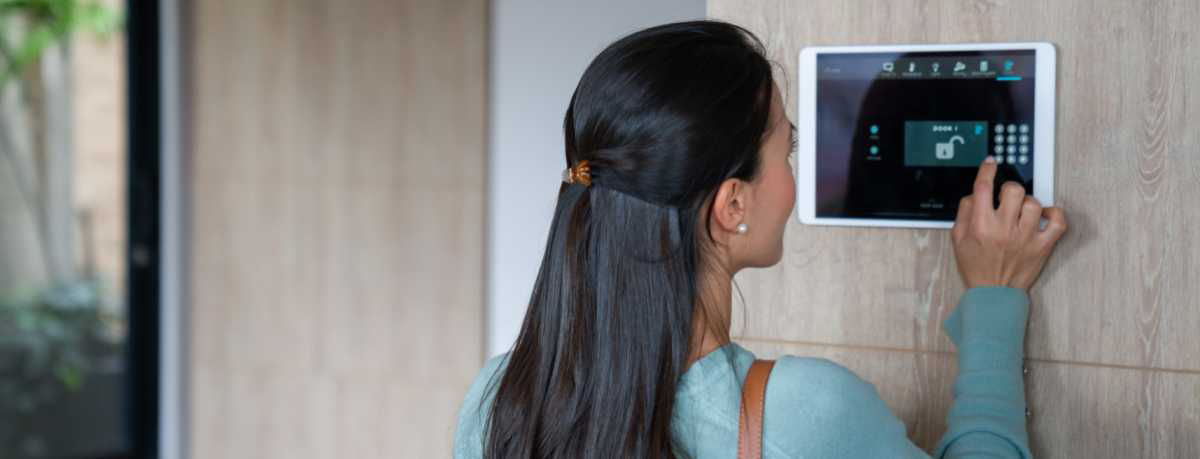
Six tips on home burglary prevention

Protecting homes from storm damage