
- Individuals & Families
- Businesses
- Partners & Agents

Your home is more than bricks and mortar. It’s full of memories and you're reflected in every detail. So if you experience a claim, you’ll most likely want your life back, and to rebuild without hassles, headaches, or delay.

Designed to cover you and your family in the event of accident-related injuries and disabilities.

Because pets are family. Chubb now offers pet insurance.

We know that innovative products go hand in hand with superior service. At Chubb, we offer a range of value-added services and customised solutions for that added advantage to meet various needs.

Chubb leverages superior underwriting expertise and world renowned claims, account services, and financial strength to offer solutions for small and medium businesses.

Today's multinational organizations face complex and interconnected risks. We offer insurance solutions that are tailored to global needs as well as local requirements, helping them address their risk management challenges.

Chubb has a proven track record of maximising ancillary revenue for more than 120 business partners across the globe.

This ergonomics self-assessment can help you set up a home office and establish work habits that keep you comfortable and productive. If you answer “NO” to any of the questions, consider making the necessary adjustments to reduce your chances of sustaining work-related injuries, such as tendonitis or carpal tunnel syndrome.
You can use this checklist on a regular basis to evaluate your workspace and practices.
Checklists
Office chair and desk
- Can you adjust the height of your chair?
- Does your chair support the curve of your back?
- Is your chair sufficiently padded?
- Does your chair have armrests that can be set just below your elbow?
- Is your chair adjusted so that your knees bend at a 90-degree angle and your feet are placed flat and firmly on the floor? (Or do you use a footrest if your feet don’t comfortably reach the floor?)
- Are your chair and desk adjusted so that when you sit, your arms bend at a 90-degree angle to reach your keyboard and mouse?
- Do you have an adjustable height desk or desk riser that allows you to alternate between sitting and standing during your workday?
- Is there ample room under your desk for your legs?
Keyboard, mouse, and monitor
- Are your keyboard and mouse set at the right height, so they can be reached without extending your arms beyond a 90-degree angle at the elbow?
- Do have a full-size keyboard with ergonomic features if needed?
- Is your mouse comfortable to use all day long without straining your hands or wrists?
- Is your monitor placed at arm’s distance?
- Is the top of your monitor set at eye-level?
- Is your monitor tilted slightly upward to cut down on glare?
- If your workstation is near a window, is your monitor positioned perpendicular to the window?
- Do you have a telephone headset for hands-free calls?
- If you use a laptop, do you have a laptop stand, external mouse, and full-size keyboard so that you can maintain a comfortable position for a full day of work?
Ergonomic work habits
- Do you sit with your back straight, feet flat on the floor or a footrest, and your shoulders square?
- Do you vary your working position between sitting and standing throughout the day?
- Do you stand—at least sometimes—when you’re on the phone?
- Do you change your work position or move at least once per hour?
- Do you take breaks to stretch during the workday?
- Do you stretch your hands, wrists, and fingers each day?
- Every 20 minutes, do you turn away from your computer monitor and look at something 20 feet (6 metres) away for 20 seconds?
Insights and expertise

Understanding pandemics and protecting your business in a health emergency
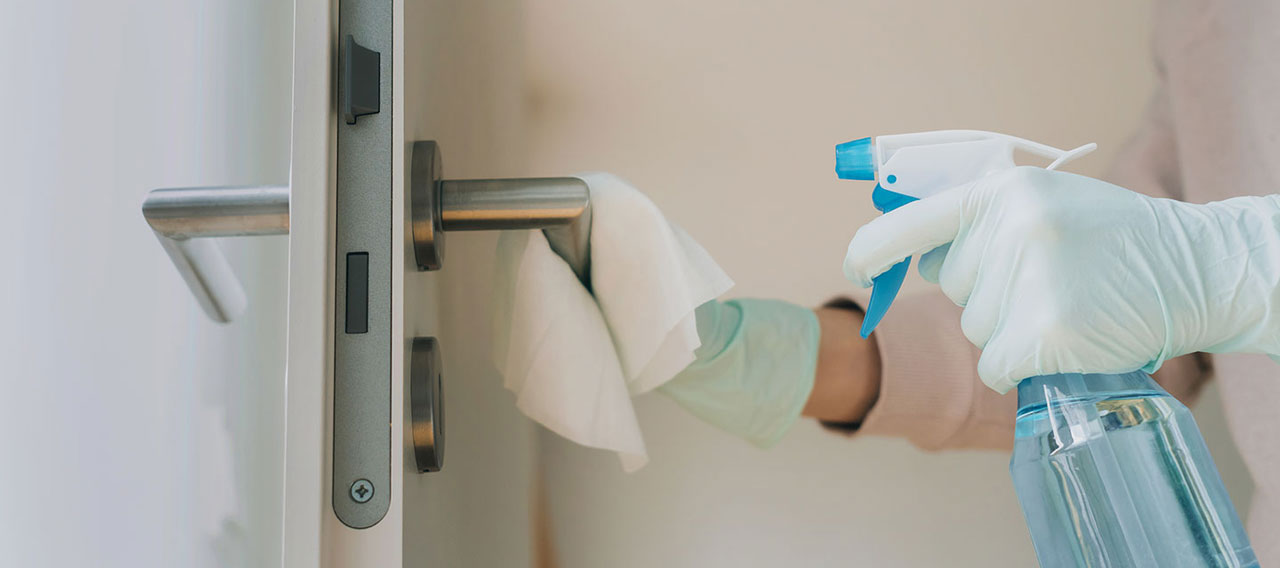
Protecting employees during the COVID-19 pandemic

3 tips to help your insurance agency or brokerage succeed in uncertain times

Supporting the mental and physical health of your remote workforce
No part of this article may be reproduced in any written, electronic, recording, or printed form without written permission of Chubb.
Disclaimer - The content of the above article is not intended to constitute professional advice. Although all content is believed to be accurate, Chubb Insurance Singapore Limited (Chubb) makes no warranty or guarantee about the accuracy, completeness, or adequacy of the content of this article. Users relying on any content do so at their own risk.